
About the Charleston County Clerk of Court
Julie J. Armstrong is the Charleston County Clerk of Court. She holds an elected office and serves a four-year term. Armstrong first won the seat in 1992 and has held it since. The Clerk is chosen by voters, not appointed, which makes the position directly accountable to the public. Her official biography is published on the Charleston County elected-officials page.
The Clerk of Court office in Charleston County is unified for Circuit Court and Family Court records. That means a single elected official oversees both civil and criminal case files at the Circuit Court level and the full range of domestic and juvenile matters at the Family Court level. The Clerk is not the same as the Probate Court, which is a separately elected office, or the Register of Deeds, which handles land records. If you need a will, an estate file, or a marriage license, those go through the Probate Court. If you need a deed or a mortgage document, that goes through the Register of Deeds. The Clerk of Court is your office for lawsuits, criminal charges, divorce files, custody orders, and civil judgments.
The office serves the Ninth Judicial Circuit, which Charleston County shares with Berkeley County. Circuit Court judges ride the circuit, but the Clerk's office is a county function rooted in downtown Charleston.
Common Pleas & General Sessions
Clerk: Julie J. Armstrong
100 Broad Street, Suite 106
Charleston, SC 29401-2258
(843) 958-5000
Fax: (843) 958-5020
clerkofcourt@charlestoncounty.org
Mon-Fri 8:30 a.m.-5 p.m., closed county holidays
Family Court
Clerk: Julie J. Armstrong
100 Broad Street, Suite 143
Charleston, SC 29401-2265
(843) 958-4400
Fax: (843) 958-4434
clerkofcourt@charlestoncounty.org
Mon-Fri 8:30 a.m.-5 p.m., closed county holidays
Both offices are in the Charleston County Judicial Center at 100 Broad Street in downtown Charleston, near the Four Corners of Law area. Circuit Court business is on the first floor in Suite 106. Family Court records are in Suite 143. Go to the right suite before you stand in line, because the two counters are separate.
What the Charleston County Clerk of Court Does
The Clerk of Court carries a wide set of duties across two trial courts. The role is more than file storage. The Clerk manages active dockets, collects money owed to the court, runs jury selection and tracking, and keeps records flowing to the right state agencies. Both the Circuit Court and Family Court rely on the Clerk's office to function day to day.
In Circuit Court, the Clerk handles both the civil side and the criminal side. On the civil side, the office accepts summons and complaints, stamps them with a filing date, assigns a case number, and tracks the case through every event. On the criminal side, the Clerk receives criminal warrants and passes them to the Ninth Circuit Solicitor's office. The Clerk also manages bail records, maintains the civil trial roster, and staffs the courtroom while court is in session. Jury management is part of the job too, from sending summons to tracking attendance. The jury summons portal at jurorsummons.charlestoncounty.gov is run through this office.
Family Court duties are different in character. The Clerk collects child support payments from paying parents and disburses the funds to receiving parents. When a court order is not followed, the Clerk can issue a Rule to Show Cause, which requires the non-complying party to appear and explain. The Clerk files Orders of Protection and sends copies to law enforcement so the order can be enforced. Divorce, custody, support, and juvenile matters all move through the Family Court Clerk counter in Suite 143.
The state Probate Court information page shows the structure the Charleston County court system uses and how the Clerk fits alongside the Probate and Magistrate courts that handle adjacent matters.
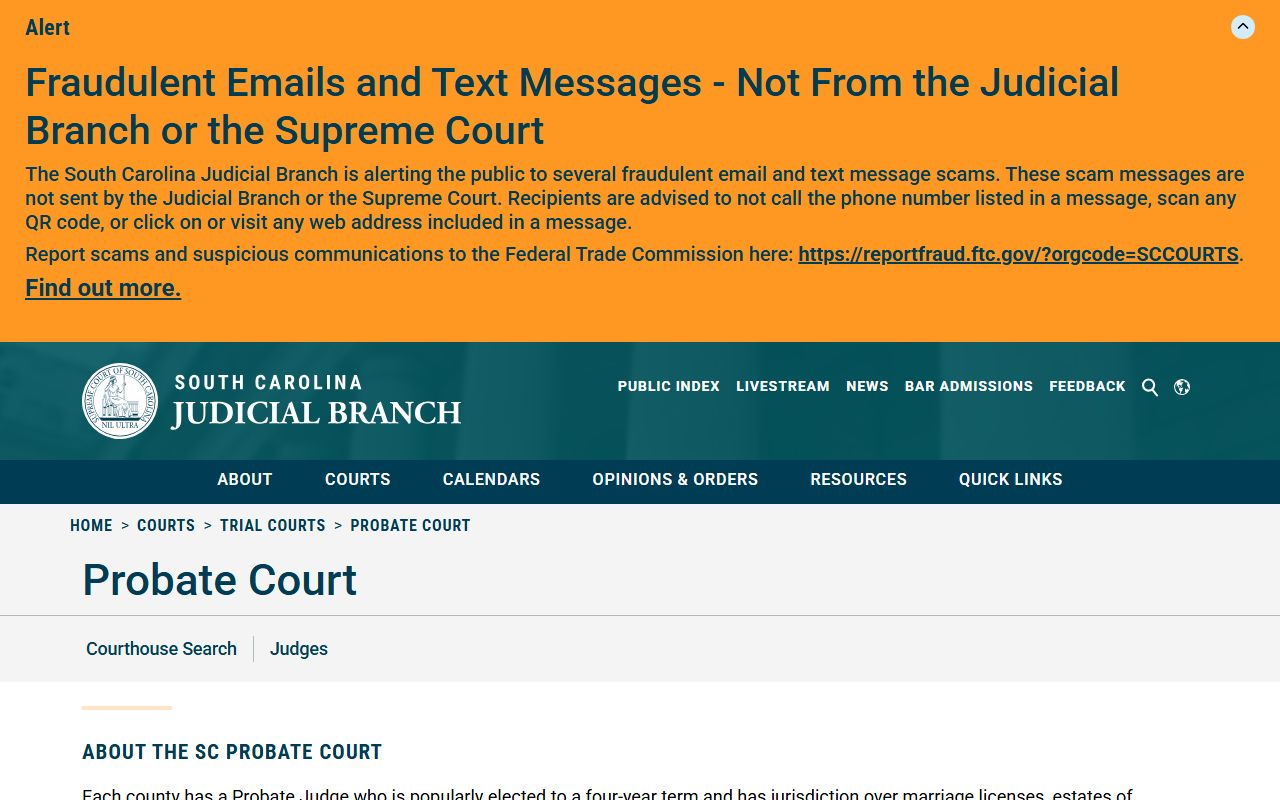
That page at sccourts.org shows the boundary between the Probate Court and the Clerk of Court, so you can confirm which office holds the record you need.
- Docket management for Circuit Court civil and criminal cases
- Receipt and transmittal of criminal warrants to the Solicitor
- Receipt of bail and maintenance of bond records
- Civil trial roster management and courtroom staffing
- Jury summons, management, and tracking
- Collection and disbursement of child support payments
- Issuance of Rules to Show Cause for unpaid support orders
- Filing and transmittal of Orders of Protection to law enforcement
Note: The Clerk cannot give legal advice or prepare court filings for anyone. Self-represented litigants are held to the same rules as licensed attorneys.
How to Request a Certified Copy
A certified copy of a court document carries the Clerk's seal and a certification statement. Courts, lenders, employers, and government agencies often require a certified copy rather than a plain printout from the public index. A screen print or an uncertified copy is not a substitute for legal proceedings. The Clerk issues certified copies for a fee, and the process is the same whether you need a judgment, a divorce decree, or a criminal disposition.
- Find the case number. Search the Charleston County Public Index by party name or case number. Write down the full case number shown on the record. If you cannot find the case online, call the Clerk at (843) 958-5000 for civil and criminal matters or (843) 958-4400 for Family Court matters and ask staff to look it up.
- Identify the document you need. Know the specific document, such as a judgment, a filed complaint, a divorce decree, or a sentencing sheet. The Clerk charges a record retrieval fee per record plus a per-page copy fee, so a vague request can delay the process. If you are unsure which document proves what you need, describe the purpose to the clerk counter and let staff point you to the right form.
- Choose how you will submit the request. In-person requests are handled at Suite 106 for Common Pleas and General Sessions matters and at Suite 143 for Family Court matters. Mail requests are also accepted. Non-attorneys cannot e-file; the South Carolina Bar e-filing system is limited to licensed attorneys. Prepare a written request with the case number, the party names, the document type, and the number of copies needed.
- Pay the fee. In person, the Clerk takes cash, money order, cashier's check, Visa, MasterCard, American Express, and Discover. Credit cards work in person only. Cashier's checks must be payable to "Clerk of Court." For child-support purge payments, use cash or a cashier's check payable to "Charleston County Family Court." Credit cards cannot be used to post a cash bond.
- Pick up or wait for the copy. In-person requests are usually filled at the counter or ready for same-day pickup. Mail requests take longer. If the record needs to be retrieved from off-site storage, the $4.00 per-record retrieval fee applies and the turnaround time will be longer. Ask about the expected timeline when you submit the request.
Important: Certified copies are required for legal proceedings. A printout from the Public Index is not certified and will not be accepted by most courts, lenders, or agencies in place of the official sealed document.
Records Request Form Fields
When you request a record from the Charleston County Clerk of Court, whether in person or by mail, you need to give the office enough information to find the right file. The more detail you provide, the faster the Clerk can locate and copy the document. The table below shows the fields you should include in any written or counter request.
| Field | Required | Notes |
|---|---|---|
| Case Number | Strongly recommended | The exact number from the Public Index or a prior court document. Searching by name alone takes longer and can return multiple results. |
| Party Names | Yes | Full legal names of the plaintiff and defendant, or petitioner and respondent for Family Court matters. Business names should match the exact entity name on file. |
| Court / Division | Yes | Specify Common Pleas, General Sessions, or Family Court. The Clerk suites are separate, so naming the court gets your request to the right counter. |
| Document Type | Yes | Name the specific document: judgment, complaint, order, divorce decree, sentencing sheet, indictment, or other filing. Generic requests for "all records" slow processing. |
| Number of Copies | Yes | State how many copies you need. Certified copies cost more than plain copies. Specify certified if you need the Clerk's seal. |
| Requestor Name and Contact | Yes | Your full name, mailing address, and phone number so the Clerk can contact you if there is a question or additional fee. |
| Payment | Yes | Include a check or money order payable to "Clerk of Court" for mail requests. In-person payments may use cards. |
The Clerk's forms page at charlestoncounty.gov also links to available forms, including the Motion to Vacate Withdrawal Notice and jury duty exemption affidavits. General South Carolina court forms are available through the SC Judicial Branch website.
Charleston County Clerk of Court Fee Schedule
The Clerk of Court publishes a complete fee schedule for filings, copies, and record services. Fees are set by state law and the published schedule. The table below covers the most common charges. For a full list, see the official filing fees page at charlestoncounty.gov.
| Item | Amount |
|---|---|
| Common Pleas / domestic relations filing fee | $150.00 |
| Lis pendens with summons and complaint | $150.00 |
| Lis pendens only | $10.00 |
| Cancellation of lis pendens | $1.00 |
| Exemplification | $10.00 |
| Certificate under seal of Clerk of Court | $10.00 |
| Copies (xerox, computer, microfilm) | $0.11 each |
| Motion fee | $25.00 |
| Expungement (dismissed, nol prossed, not guilty) | $35.00 |
| Foreign judgment | $100.00 |
| Confession of judgment | $10.00 |
| Record retrieval | $4.00 per record |
| Minor settlements | $150.00 |
| Civil appeals (Small Claims, Probate, evictions, agency) | $150.00 |
| Criminal appeals | No charge |
| Satisfaction of judgment | No charge |
Payment options matter. The Circuit Court takes Visa, MasterCard, American Express, and Discover, but only in person at the counter. When card payments go through the SCGOV portal, a $1 non-refundable portal fee and a 1.7% convenience fee are added. Cash, money orders, and cashier's checks are accepted at the counter and by mail. Cashier's checks must name "Clerk of Court" as the payee. For child-support purge payments, use cash or a cashier's check made out to "Charleston County Family Court." Credit cards cannot post a cash bond.
The Charleston County Sheriff's Office processes some bond-related paperwork at the Leeds Avenue campus in North Charleston, which is a different location from the Broad Street Judicial Center where the Clerk is based. Confirm which office you need before you drive.
Public Index and Online Access to Clerk Records
The main online tool for Charleston County Clerk of Court records is the Charleston County Public Index. It covers Circuit Court cases, including both Common Pleas civil records and General Sessions criminal records. The search is free and open to anyone. You do not need an account or a login. The index is also linked from the South Carolina Judicial Branch case search page, which points to county public indexes across the state.
The Public Index lets you search by court agency, case number, or party name. For Common Pleas records, the official search instructions recommend leaving the agency selector set to "all" when you want every case tied to a name. For businesses, try a shortened version of the entity name if the exact form fails. One key limit: Family Court lis pendens do not appear under a Circuit Court search. If you need a Family Court property notice, you have to go through the Family Court route or contact the Clerk directly.
The Clerk's office also keeps public access computer terminals for civil public records at the Judicial Center. If you need to look up a case without a home computer, the counter terminals are an option during office hours. Document images may not all be available online. For older cases or sealed files, a trip to the counter or a written request is the only path.
The Charleston County Sheriff's Office website also links to court-related tools, as the two offices often handle connected matters like warrant receipt and bond processing. A view of the Sheriff's homepage shows how the agencies share the North Charleston campus.
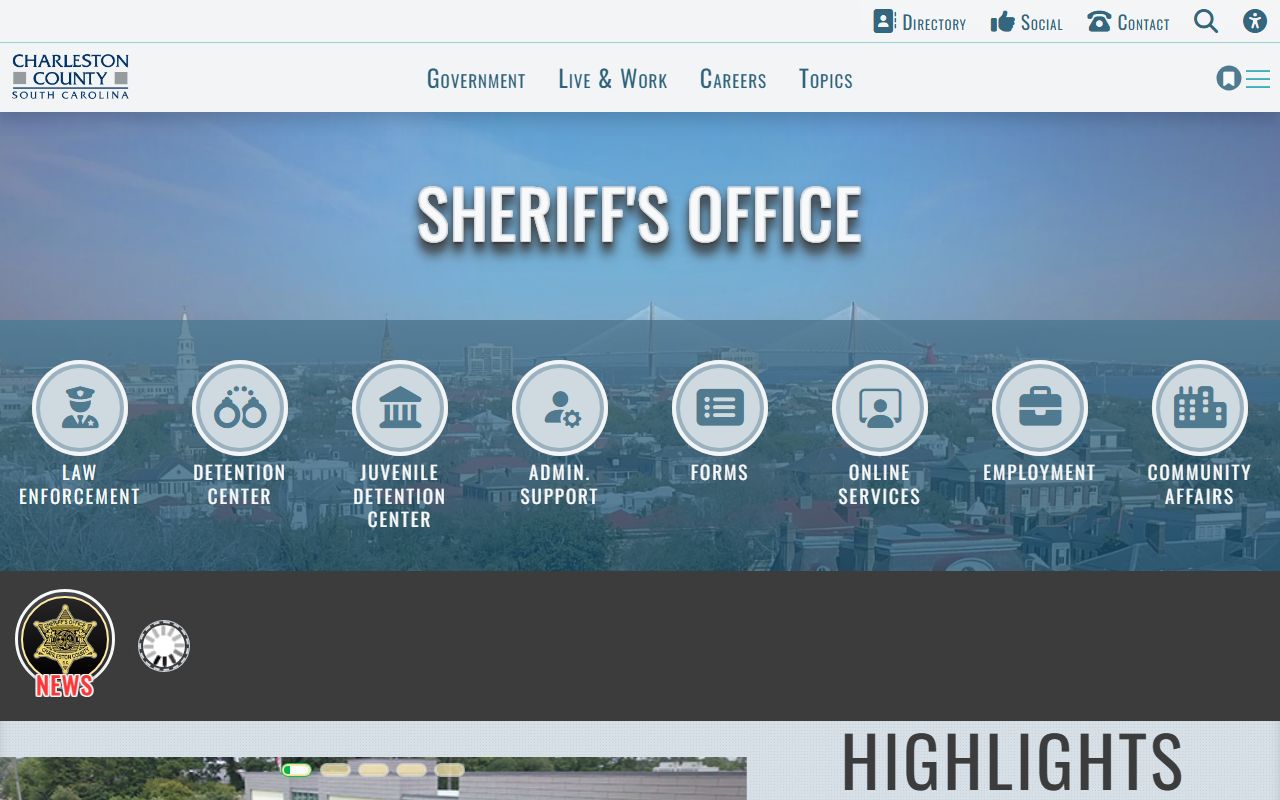
That page at charlestoncounty.gov shows the warrant search link and other tools that intersect with Clerk of Court functions when criminal cases pass between the Sheriff and the solicitor.
Note: The Public Index prohibits automated data scrapers and repetitive bulk querying for commercial collection. Search one case at a time.
E-Filing and Forms at the Charleston County Clerk
South Carolina allows electronic filing through the SC Judicial Branch e-filing system, but access is limited. Only members of the South Carolina Bar can e-file. Non-attorneys, including people representing themselves, must file in person at the Clerk's counter or submit documents by mail. If you are not a licensed attorney and you need to file in Charleston County Circuit Court, plan to appear at Suite 106 in person or send your documents by mail with the correct fee.
The Clerk's forms page links to documents used in common proceedings. Two forms that come up often are the Motion to Vacate Withdrawal Notice, which is available in both Word and PDF format, and the jury duty exemption affidavits. There are two jury exemption forms: the Care Giver Affidavit and the Minor Child Affidavit, both available in Word and PDF. Jurors who receive a summons and need to request an exemption use the jury portal at jurorsummons.charlestoncounty.gov. The Clerk's office manages jury lists and the summons process for both Circuit Court and Family Court.
For general South Carolina court forms beyond what the Clerk's local page offers, the Judicial Branch posts a broader forms library at sccourts.org. The Clerk's forms page links there directly. If you need a specific form for a Family Court matter, a magistrate small claims form, or a probate form, check the relevant court's own resources. The Probate Court and Summary Court Administration each publish separate form sets.
The South Carolina Department of Corrections maintains its own inmate search tool, which is used when a person has been transferred from the county jail to state prison. A look at that portal shows how the state system connects to county-level criminal records that originate with the Clerk of Court.
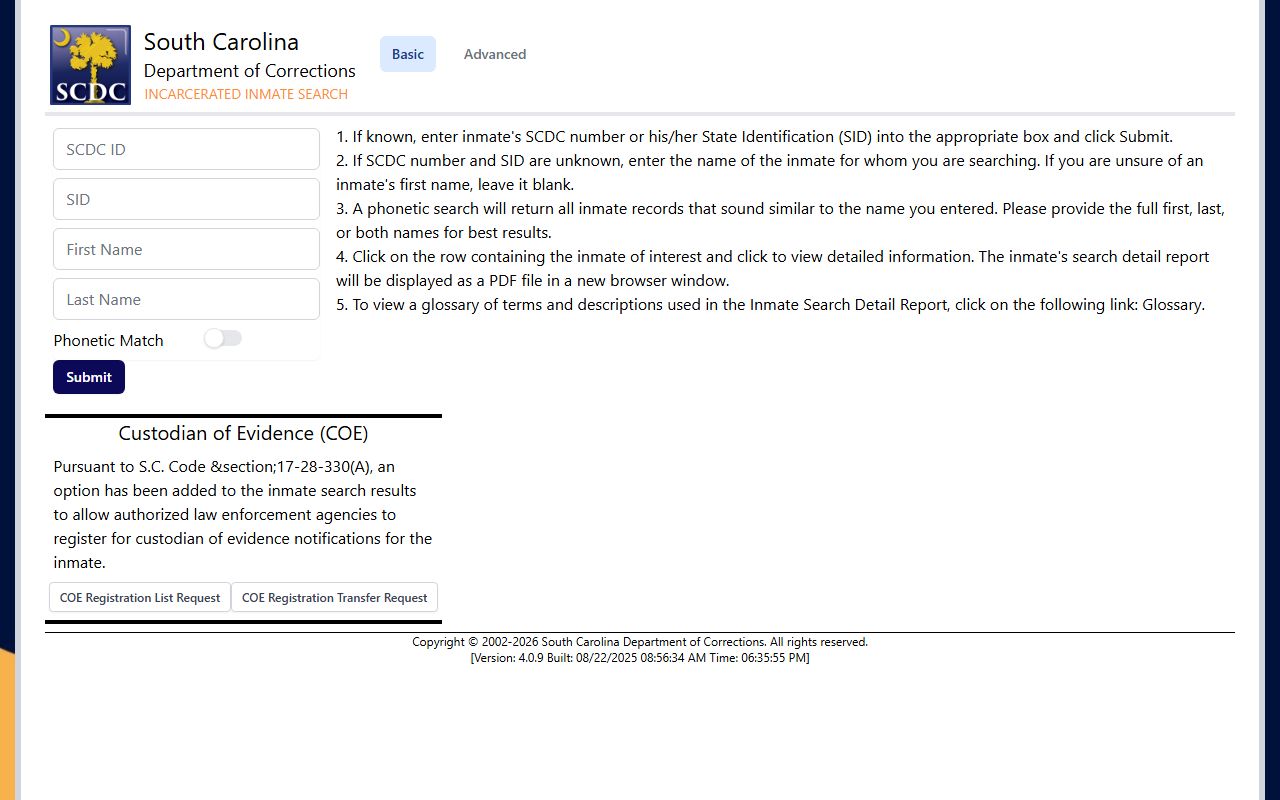
The SCDC inmate search at public.doc.state.sc.us is relevant when a General Sessions case results in a state prison sentence and the person's records move beyond what the county Public Index shows.
Expungements and the Charleston County Clerk
An expungement removes a qualifying criminal record from public access. The Clerk of Court plays a role in this process, but the path starts before the Clerk's counter. Charleston County uses a specific sequence for people arrested by the Sheriff whose charges were dropped, dismissed, or ended in a not-guilty verdict.
First, get a certified disposition from Sheriff's Records at the detention campus in North Charleston. Then take that disposition to the Ninth Circuit Solicitor's Office at 101 Meeting Street, Charleston, to find out whether the case qualifies for an Order of Expungement. The Solicitor decides eligibility. If the case qualifies, the Solicitor processes the order and the Clerk receives the filing. The Clerk charges $35.00 for expungements based on dismissals, nol prossed cases, and not-guilty results. Juvenile expungements follow a separate process through the Judicial Branch and may involve DJJ, SLED, and the Clerk at different points, with a separate $35.00 filing fee at the Clerk level when that step applies.
South Carolina law governing expungement eligibility is found at S.C. Code Title 17, Chapter 22. The Judicial Branch also publishes a step-by-step expungement process guide at sccourts.org. The Clerk cannot advise you on whether you qualify. Take that question to the Solicitor or to a licensed attorney.
National data from the Bureau of Justice Statistics shows context for how records requests and expungements fit into broader criminal justice record-keeping across county systems.
The BJS site at bjs.ojp.gov publishes national data on court records, case volumes, and record access that provides context for understanding how county-level clerk operations fit into the larger picture.