
How to Search Charleston County Court Records
The Charleston County Public Index is the main search tool for Circuit Court records. It is free and open to the public. The index lets you pick a court agency, then search by case number or by party name. The South Carolina Judicial Branch case search page links to the county index and to the other trial courts in the state. For a lost magistrate traffic ticket, the county also points users to Summary Court Administration or the Public Index.
Before you start, gather the full name of the party, the rough year of the case, and the court that likely handled it. A case number search is the cleanest path. The county warns that the Public Index blocks automated data scrapers, so plan to search one case at a time.
- Open the Public Index from the Clerk of Court homepage or the state case search page.
- Choose the court agency, such as Common Pleas for civil or General Sessions for criminal.
- Type the case number if you have it, or a last name and first name if you do not.
- Read the result list for case number, parties, filing date, and status.
- Open the case for docket entries, then ask the Clerk for a certified copy when needed.
Charleston County Court Records Search Fields
The Public Index uses a small set of fields. Most are optional, so you can search with just a name or just a number. The official search instructions for Common Pleas suggest leaving the index set to "all" when you want every case tied to a name. The table lists the fields you should expect.
| Field Label | Type | Required | Notes / Format |
|---|---|---|---|
| Court Agency / Court Type | Dropdown | No | Pick Common Pleas, General Sessions, or another listed court. |
| Case Number | Text | No | Exact number when known; format varies by court. |
| Party Last Name / Business | Text | No | For a business, try fewer words if the exact name fails. |
| Party First Name | Text | No | Use with last name to narrow the list. |
| Date Range / Filing Date | Date | No | Limit results by filing date where shown. |
| Search / Reset | Button | n/a | Runs or clears the query. |
Types of Charleston County Court Records
Charleston County court records fall into a few main groups. Civil and criminal Circuit Court files are the most open. Family Court files carry more limits. Probate, traffic, and small claims each live in their own court. The Clerk of Court holds Circuit Court and Family Court records, while magistrate records sit with Summary Court Administration.
Here are the record types you are most likely to search.
- Civil records from Common Pleas, including suits, judgments, liens, and lis pendens.
- Criminal records from General Sessions for felonies and serious charges.
- Family Court records for divorce, custody, support, and protection orders.
- Magistrate and Municipal records for traffic, small claims, and lower offenses.
- Probate records for wills, estates, and guardianships.
The state keeps separate pages for each court level. A view of the Municipal Court page shows how city courts fit beside the county system.
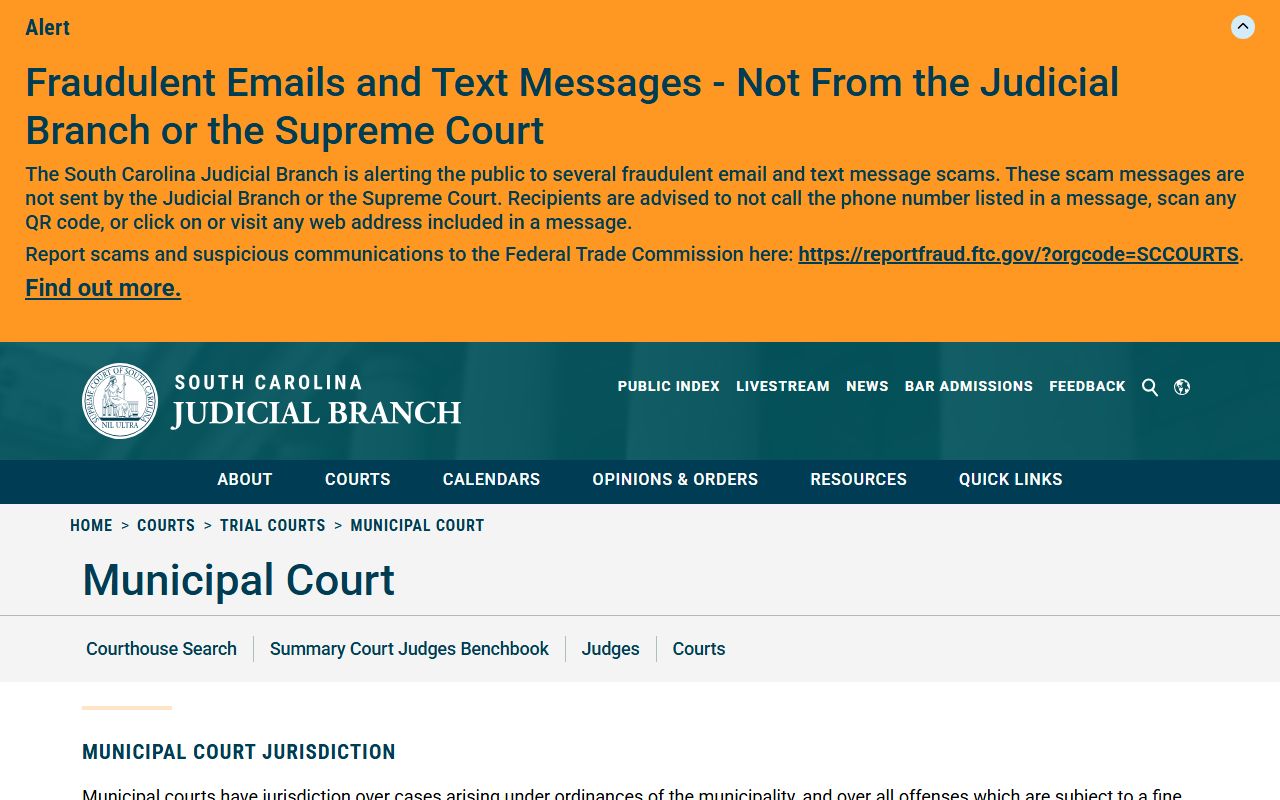
That page at sccourts.org explains that municipal courts handle city ordinance and traffic matters that the county index may not list.
What Charleston County Court Records Show
When you open a case in the Public Index, you see a header with the core data and a list of docket events. The court can remove certain personal identifiers from the public copy on request, such as a Social Security number, a driver's license number, or a bank account number. Document images may be limited and may require a clerk copy.
| Field | What It Shows |
|---|---|
| Case Number | The unique number for the case in the court system. |
| Court Agency | Common Pleas, General Sessions, Magistrate, or another court. |
| Parties | Plaintiff and defendant, or the State and the defendant. |
| Filing Date | The date the case was opened. |
| Docket Entries | Filings, motions, orders, hearings, and judgments over time. |
| Disposition | The final result of the case or charge. |
Common Pleas and General Sessions Records
The Circuit Court splits its files into two sides. Common Pleas holds civil records, and General Sessions holds criminal records. Both are searched through the same Public Index, but the case data and the access rules differ. Common Pleas files name a plaintiff and a defendant and run on documents like the complaint, the answer, orders, and the final judgment. Most Common Pleas actions carry a $150 filing fee.
General Sessions files name the State against a defendant. They track the path from arrest to disposition through documents like the warrant, the indictment, the plea, and the sentence. The Clerk receives criminal warrants and sends them to the solicitor, which is why these files start with charging papers. One thing to watch: Family Court lis pendens do not show under a Circuit Court search, so a divorce-related property notice needs the Family Court route instead.
Public Access Framework for Charleston County Court Records
South Carolina opens most public records to inspection. The Freedom of Information Act sets the base rule for county and law-enforcement records, while court records are mostly reached through the Clerk and the Public Index. The right to inspect and copy comes with reasonable fees for search, retrieval, and copies under S.C. Code § 30-4-30.
Anyone can use the Public Index without an account. For copies, the Clerk charges $0.11 per page, $4.00 per record for retrieval, and $10.00 for a certificate under the Clerk's seal. Court rules such as SCACR Rule 610 limit bulk pulls of compiled data for commercial use.
Note: A FOIA request will not open a sealed or confidential court record; those stay closed unless a judge or a statute allows access.
Copies and Certification Fees for Charleston County Court Records
Looking at a record online is free, but printed and certified copies cost money. The Clerk of Court keeps a published fee schedule. Plain copies run a few cents a page. A certificate under the Clerk's seal and a record retrieval each carry a set charge. For court use, you usually need a certified copy, not a screen print. An uncertified printout from the Public Index is not the same as a sealed, certified court document.
| Item | Amount |
|---|---|
| Copies (xerox, computer, microfilm) | $0.11 each |
| Certificate under seal of Clerk of Court | $10.00 |
| Exemplification | $10.00 |
| Record retrieval | $4.00 per record |
| Common Pleas / domestic relations filing | $150.00 |
The Circuit Court takes Visa, MasterCard, American Express, and Discover in person only. A small portal fee and a convenience fee may be added to card payments. Cash, money order, and cashier's checks payable to the Clerk of Court are also accepted. More detail sits on the Clerk of Court page.
Records That Are Sealed or Confidential in Charleston County
Some files are closed by law. Juvenile cases, adoption records, mental health commitments, and sealed records do not show in the public index. Once a charge is expunged, it comes off public access under the order that granted it. Domestic abuse details and the names of minors can be held back as well.
To clear a qualifying record, the county uses a set path through the solicitor. A person arrested by the Sheriff whose charge was dropped, dismissed, or ended in a not guilty result gets a disposition from Sheriff's Records, then takes it to the Ninth Circuit Solicitor, who decides on an order of expungement. Juvenile records follow a separate process. A view of the juvenile expungement page shows the workflow and fees.
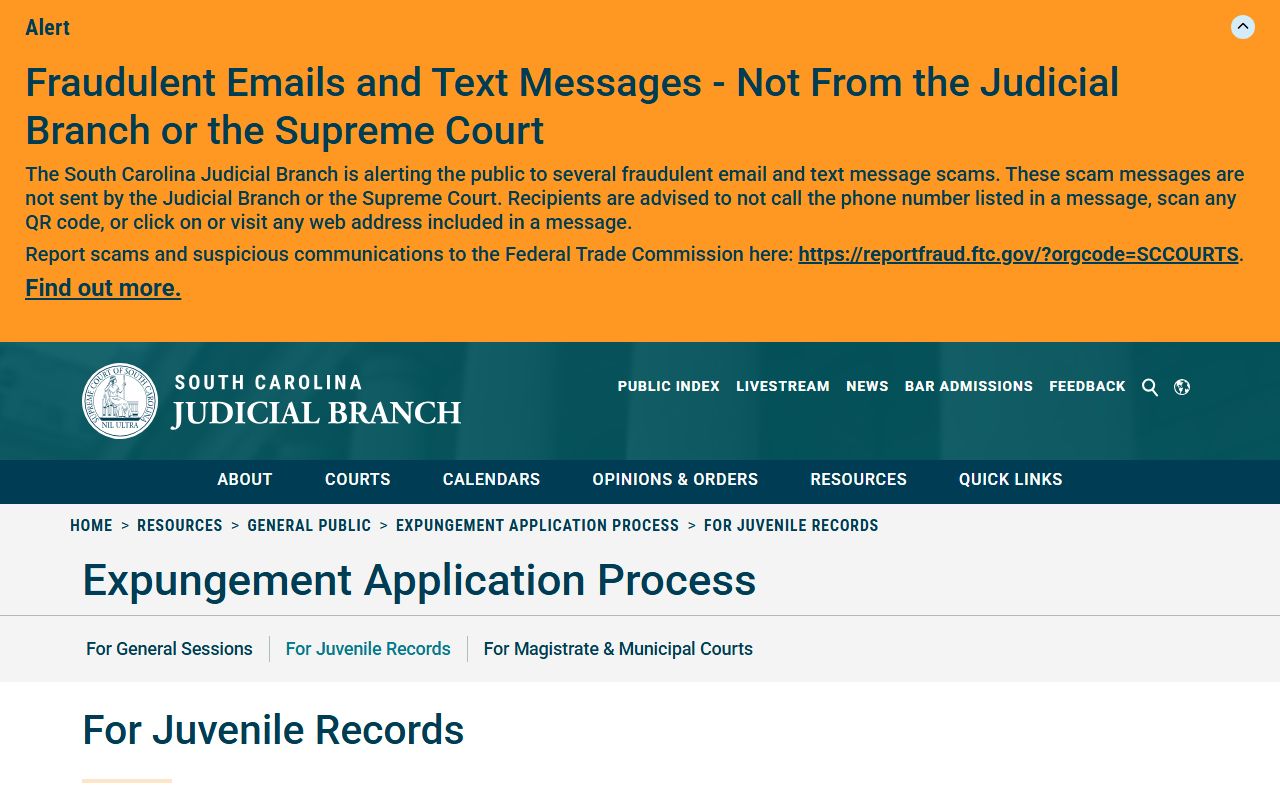
The Judicial Branch page at sccourts.org lists the solicitor, DJJ, and SLED steps and the filing fees that may apply.
In-Person Court Record Requests
If a record is not online, or you need a certified copy, visit the Clerk of Court at the Judicial Center. The office keeps public access computer terminals for civil records. Bring the case number or party name and the fee for any copies. Family Court records are handled at a separate suite in the same building.
Charleston County Clerk of Court
100 Broad Street, Suite 106
Charleston, SC 29401
(843) 958-5000
Mon-Fri 8:30 a.m.-5 p.m.